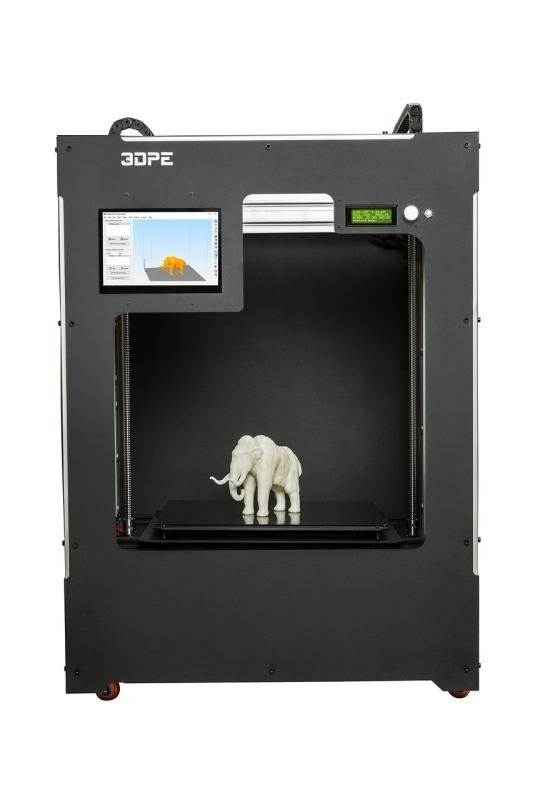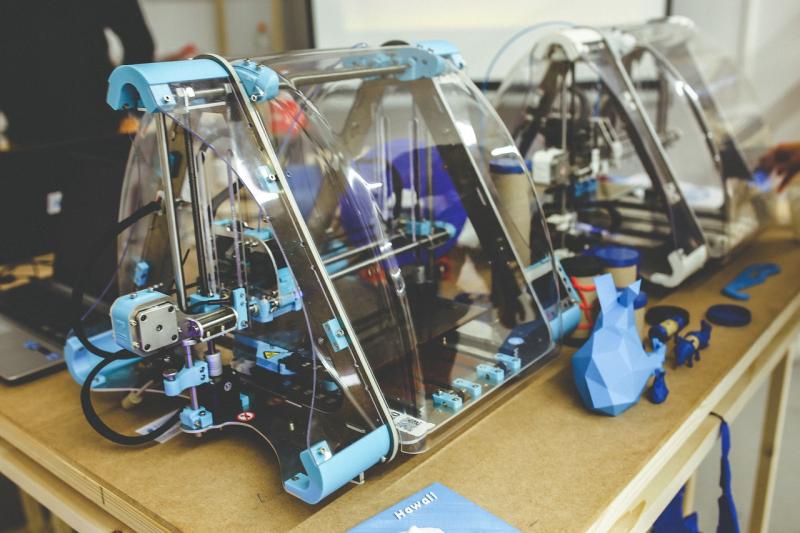
Jumping into the world of 3D printing is exciting, and getting started is easier than you might think! First, you'll want to pick a 3D printer that fits your needs. There are plenty of options out there, ranging from beginner-friendly models to more advanced machines. If you're just starting out, look for something that's user-friendly and has a solid community for support. Popular models like the Creality Ender 3 or Prusa Mini are great choices.
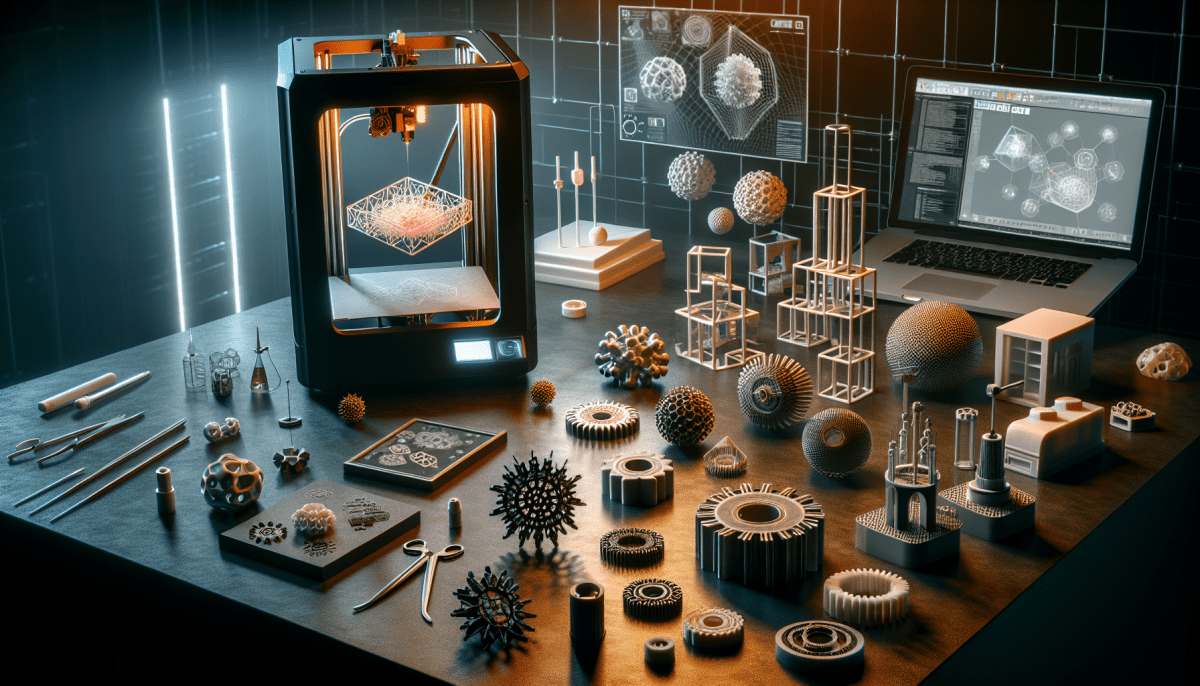
Next up, you'll need some filament. This is the material you'll use to create your 3D prints. The most common type is PLA, which is easy to work with and eco-friendly. It comes in a variety of colors, so you can be as creative as you like. After getting your printer and filament, it’s time to explore design software. Programs like Tinkercad or Fusion 360 let you create your own objects or modify existing ones. Don’t worry if you’re not a whiz at design; these tools are pretty intuitive.
Before you start printing, calibrate your printer. This step ensures your prints turn out just right. Most printers have simple instructions for this. Once you're calibrated, it’s time to slice your model using slicing software like Cura or PrusaSlicer. This software converts your design into a format the printer understands, setting the right parameters for speed, temperature, and more. Most of the time, a few clicks is all it takes!
Now comes the fun part—printing! Load your filament, hit start, and watch your creation come to life layer by layer. It can be mesmerizing! If something doesn’t go as planned, don’t stress. It happens to everyone—just learn from any hiccups. Join communities online where beginners share tips and troubleshoot common issues too. This way, you'll always feel supported on your 3D printing journey!
Choosing the Right 3D Printer for You
Choosing the right 3D printer can feel a bit overwhelming, especially with all the options out there. The first thing you want to think about is what you’re planning to print. Are you looking to create detailed miniatures, functional parts, or maybe even larger prototypes? Different printers excel at different tasks.
Next, consider your skill level. If you're just starting, you might want to go for a user-friendly model that doesn’t require a lot of setup. Look for features like auto-bed leveling and easy touchscreen controls. These can save you time and frustration, letting you focus on your creations instead of troubleshooting.
Your budget is also a big factor. There are solid entry-level printers that won’t break the bank, while high-end models can offer advanced capabilities but come with a higher price tag. It's all about finding that sweet spot between cost and features that meet your needs.
Don’t forget about print material too! Some printers work with just one type of filament, while others can handle a variety. If you want the flexibility to experiment with different materials, make sure to choose a printer that has that option.
Lastly, check out the community around the printer you’re considering. A printer with an active user base means you'll find plenty of tutorials, forums, and support when needed. This can make a world of difference as you start your 3D printing adventure!
Essential Tools for Your 3D Projects
Getting into 3D printing can feel overwhelming at first, but having the right tools makes a huge difference. Here are some essentials that will help you take your projects from idea to reality without the stress.
First up, you need a solid slicer software. This is where the magic happens. It converts your 3D models into instructions that your printer can understand. Programs like Cura or PrusaSlicer are user-friendly and have a ton of features to help you tweak settings to achieve the best print.
Don't forget about a good set of calipers! These handy tools help you measure your prints accurately, ensuring everything fits just right. Whether you’re designing something from scratch or modifying an existing model, precise measurements are key to making it work.
As for building materials, pick a few types of filament to start with. PLA is a great beginner option. It's easy to work with and prints perfectly for a variety of projects. Once you’re comfortable, you can explore other materials like ABS for durability or PETG for strength and flexibility.
Finally, a robust toolkit can save you a lot of headaches. Look for a set that includes a spatula for removing prints, tweezers for tiny adjustments, and some sandpaper for finishing touches. Trust me; these tools will come in handy as you fine-tune your creations.
Tips for Printing Success Every Time
Starting your 3D printing journey can be a little overwhelming, but it doesn’t have to be! Here are some simple tips to help you print successfully every time. Trust me, these will save you from a lot of headaches later on!
First things first, level your print bed. This is key. A well-leveled bed ensures that your first layer sticks properly, which leads to a solid print overall. If your first layer doesn’t adhere well, you might end up with a failed print. So take the time to get this right before you hit 'print'.
Next up, check your filament. It’s important to use high-quality filament that’s compatible with your printer. Cheap filament can lead to clogs and inconsistencies. Store your filament in a cool, dry place to prevent moisture absorption. If your filament feels damp, it might be time to dry it out before printing.
Don’t forget about settings! Adjusting print speed, layer height, and temperature can make a huge difference in your print quality. Every printer and filament is a bit different, so don’t be afraid to experiment. Keep a notebook handy—jot down what works and what doesn’t so you can replicate your successes.
Lastly, keep your printer clean and well-maintained. Regularly check for dust and debris, and clean the nozzle if you notice any issues. A little upkeep goes a long way in ensuring smooth printing. By following these tips, you’ll be well on your way to printing like a pro!